


 Deutsch
Guide

This guide provides an overview of all Legendary Equipment Items currently available in the EMERGENCY HQ.
New entries will be added whenever additional items are introduced.
What are Legendary Equipment Items?
Legendary Equipment Items are rare and powerful upgrades for your units.
Just like other equipment, they can be:
- Unlocked/Earned/Won
- Upgraded
- Equipped in your Garage
Once equipped, they enhance your units with unique abilities or improvements.
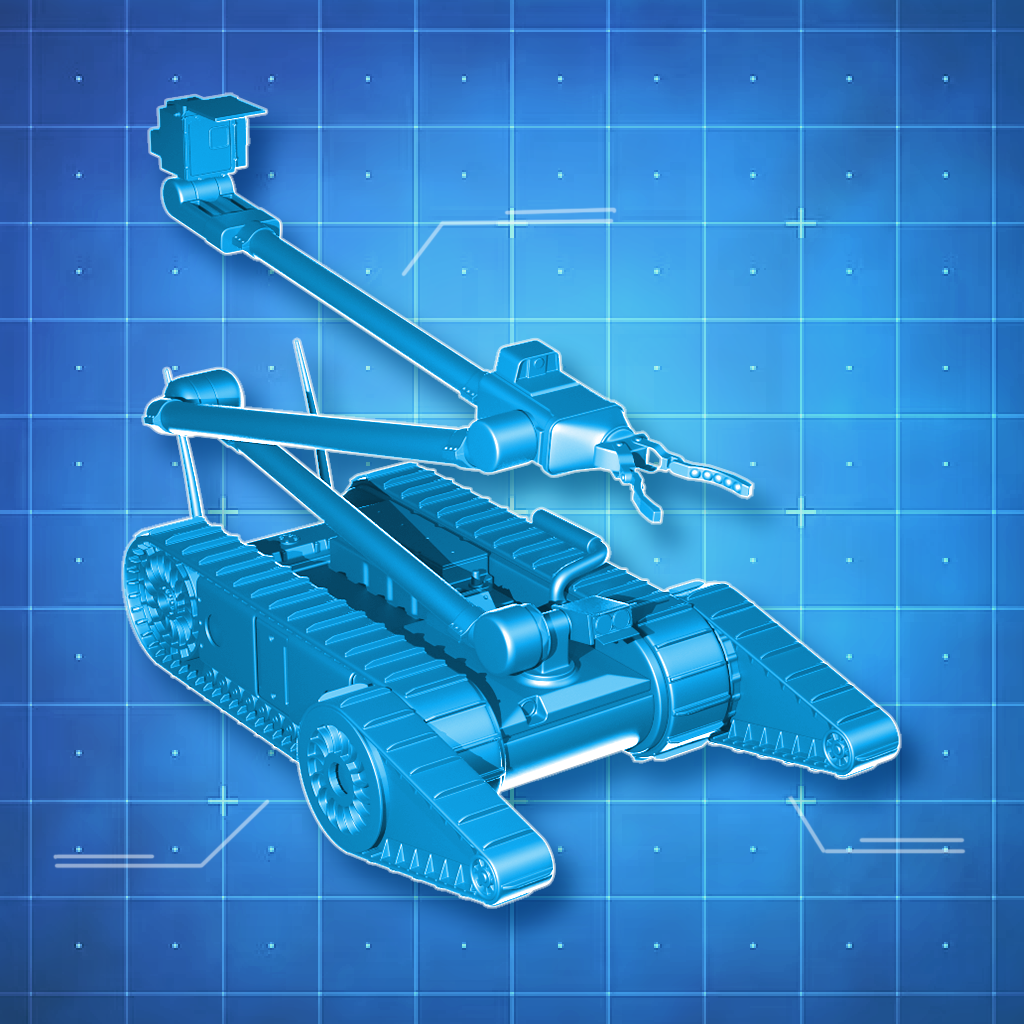
Technical Assistance Robot
Quick Summary
- Works alongside the Engineer
- No cooldown
- Can act independently
- Scales with upgrades
- Vulnerable to explosions and gunshots
Unit
The Technical Assistance Robot is a Legendary Equipment item for the Engineer.
Abilities
The Technical Assistance Robot can:
- Repair objects
- Defuse bombs
Unlike standard equipment:
- It has no cooldown
- It works independently from the Engineer
This means you can:
- Defuse one bomb with your Engineer
- And another at the same time with the Robot
Scaling & Upgrades
- The Robot starts with slightly lower repair and defuse values than the Engineer
- When the Engineer is upgraded, the Robot’s base values also increase
- When the Robot itself is upgraded, its values improve further
- At higher levels, the Robot can even surpass the Engineer’s effectiveness
- Engineer mods do NOT affect the Robot
- The Robot’s movement speed cannot be increased
Vulnerabilities
- The Robot is not explosion- or bullet-proof
- If a bomb detonates nearby or it gets shot, it will take damage or be destroyed
- If destroyed, it will respawn like other units
- It moves more slowly than the Engineer
How to command the Technical Assistant Robot
Once equipped in your Garage:
- The Robot appears next to the Engineer’s vehicle
- Tap the Robot to open its action menu
- Select an action:
- Repair
- Defuse
- Tap the target object
Behaviour Notes
- The Robot does not automatically return after completing a task
You can:
- Assign it a new task
- Or manually send it back to the vehicle

Water Cannon
Unit
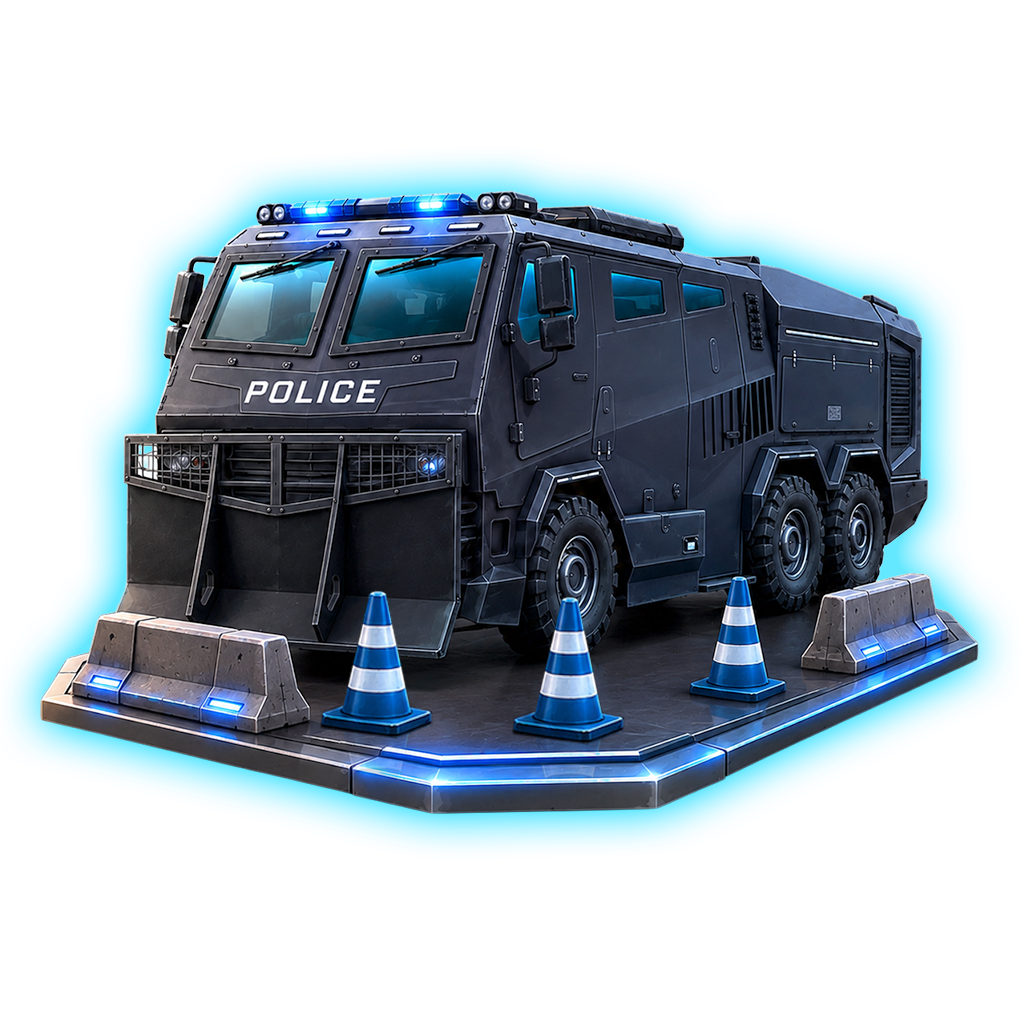
The Water Cannon is a Vehicle Attachment for the Riot Police Van.
Quick Summary
- Attaches a Water Cannon to the Riot Police Van
- Has a water tank which depletes when in use
- Can’t be refilled
- Scales with upgrades
- Can spray demonstration groups
- Can put out fires
Abilities
The Water Cannon can:
- Can spray demonstration or riot groups and lower their aggression level
- Can extinguish fires

Unlike standard equipment:
- Gives the Riot Police Van a functionality it normally would not have
- Adds a Water Cannon on top of the Riot Police Van
This means you can:
- Help your ground unit with your vehicle
- You can put out fires with a unit which does not belong to the fire department
Scaling & Upgrades
- The water tank capacity scales with every upgrade
- The strength to lower the aggression level of groups scales with training the unit and by upgrading the equipment item
- The extinguishing strength scales with training the unit and by upgrading the equipment item
Vulnerabilities
The water tank can’t be refilled. Once it is empty, it stays empty for the duration of the mission.
How to use the Water Cannon
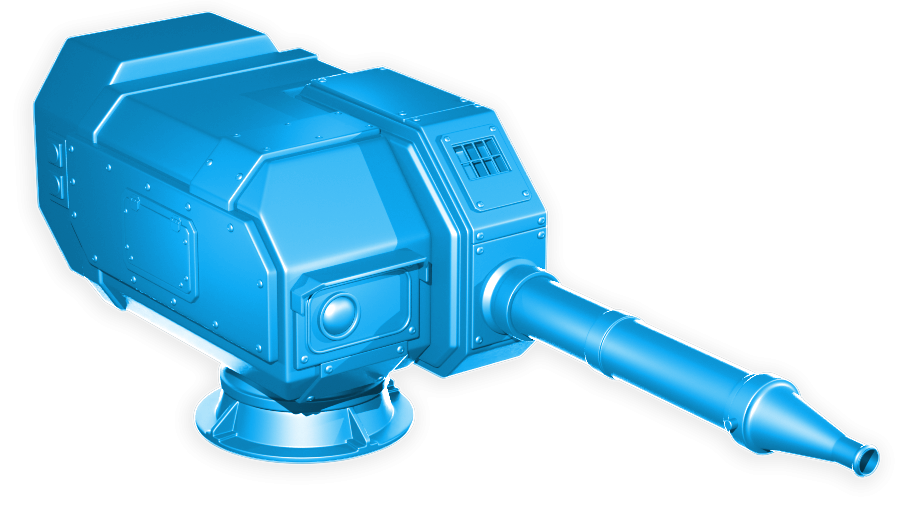
Once equipped in your Garage:
- The Water Cannon will appear attached to the roof of your Riot Police Van
In missions, the ring menu displaying all actions your Riot Police Van can make will get two new options to choose from:
- Spray a demonstration or riot group
- Extinguish a fire
You can switch between both options as often as you like, so long you have water left in your tank.
Behaviour Notes

- The Water Cannon does not refill its tank during a mission, so use the water you have wisely.
- It is not possible to have the Water Cannon and other equipment items equipped at the same time (for example, the Pepper Spray).
- Share

